
Have you seen the adverts in your social media about pip decks and wondered what it’s all about?
I have, I have fallen for it and I will share my impressions. As a full disclosure, I have bought the decks and am in no way sponsored by or affiliated with the Pip decks company. I’ve asked Pip Decks if I could post some images in this blog but haven’t received a reply on the request. To stay safe, only some general images are shown.
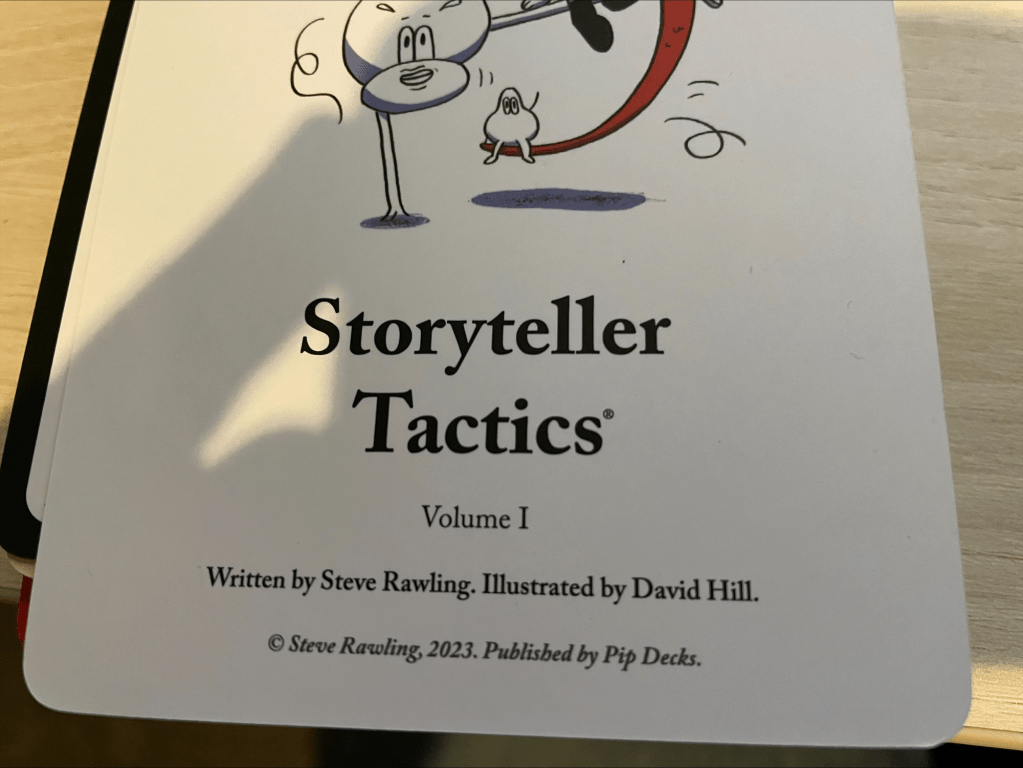
Buying the decks
When you decide to visit the website, you get the standard overload of offers. Give us your soul for discounts. You know the standard things. What also happens is that you get offers that are more expensive that they appear. So make sure to check out if an offer is really an offer or not. Though this feels like an open door.
Something else that I found was that I got an offer for a complementary set that disappeared for some reason and never came back. It seems that it was a very short offer to get the work shop deck set as well. It seemed like a good deal but never came back.
When you select the Storyteller Tactics deck, you get three options. The first one is just the deck in digital format, the second one adds a vault with 50+ video’s and the third, most expensive one, has the physical ones included. I got the latter.
The product (digital)
When I finished the purchase, I got the digital format download immediately, and in my opinion it’s nothing more than a nice to have. The png files are structured into folders but you keep clicking to open them. For me, that’s a worthless experience. It only adds value when there’s some sort of management around them to guide you through the images.
Pip decks give you the advice to add the images to a PowerPoint slide deck and share it with others. Could be a sound idea, but it feels like you should have mastered the contents first before showing these.
The video’s are fun to watch and add context to all the cards. They’re not a complete training on how to present the best amazing session ever, but give enough context to the cards to improve on the content.
The product (physical)
The physical product is what I was after and these are the better part of this product. There’s a clear method in them and it’s easy to navigate through the contents as they’re colour coded and linked. If you need more information to get from your style to the content of your presentation you can find links to the correct subset of cards to help you along.
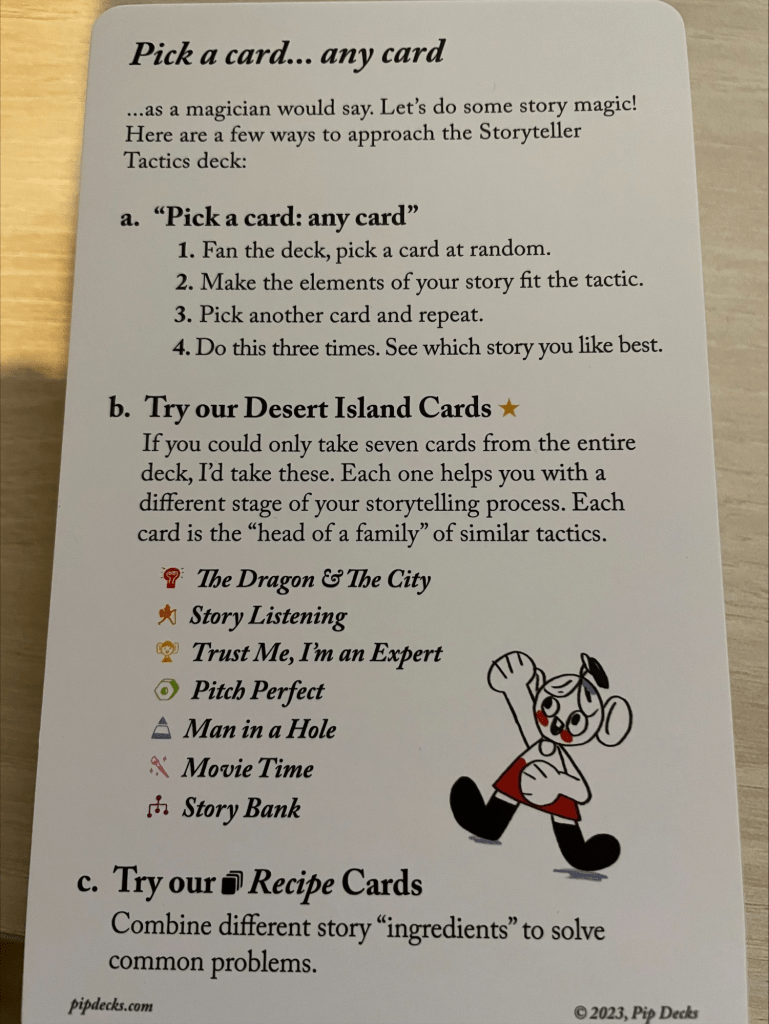
The tips and tricks are well formulated and work for me. As the product is under copyright it’s a bit harder to show examples but one thing that quickly stood out for me is the way you link information on your slide deck to what you’re talking about. Don’t show all your talking points on the deck and walk by them but let them appear when you start talking about them. This works in preventing your audience thinking ‘I’ve already read this, move on mate!’.
There are 54 cards in the deck, ordered in Concept, Explore, Character, Function, Structure, Style, Organise and recipe subjects. These will help you from writing an abstract to delivering your presentation.
The reason the physical cards work for me is mostly that I can organise them in a way that works for me, creating a sort of chain with steps I have to follow to improve a certain session. Under scrutiny now are my ‘What they should have told me about becoming a DBA’ and ‘Azure SQL Databases, tales from the trenches’. Both have good content (according to reviews) but lack a coherent storyline (according to feedback). With this deck of cards, I’ve got some extra tools to work on those sessions.
Is it worth it?
I payed around 150 euro’s for this deck. Quite a lot of money but according to sales, it should repay itself tenfold. How, I don’t know as the bulk of my sessions is for the community. And I have no idea how to measure this. But that’s besides my point in life.
If you’re a seasoned presenter, you won’t learn a whole lot but you’ll get some nice tools to fine tune your sessions. If you’re a beginner, it will offer a treasure trove of insights and can really improve your presentation style. But this won’t be the only tool, there’s no substitute for experience and well formulated feedback.
If you’re like me, between beginner and seasoned presenter, it can really help you take the next step; put feedback into the context it belongs and improve your session.
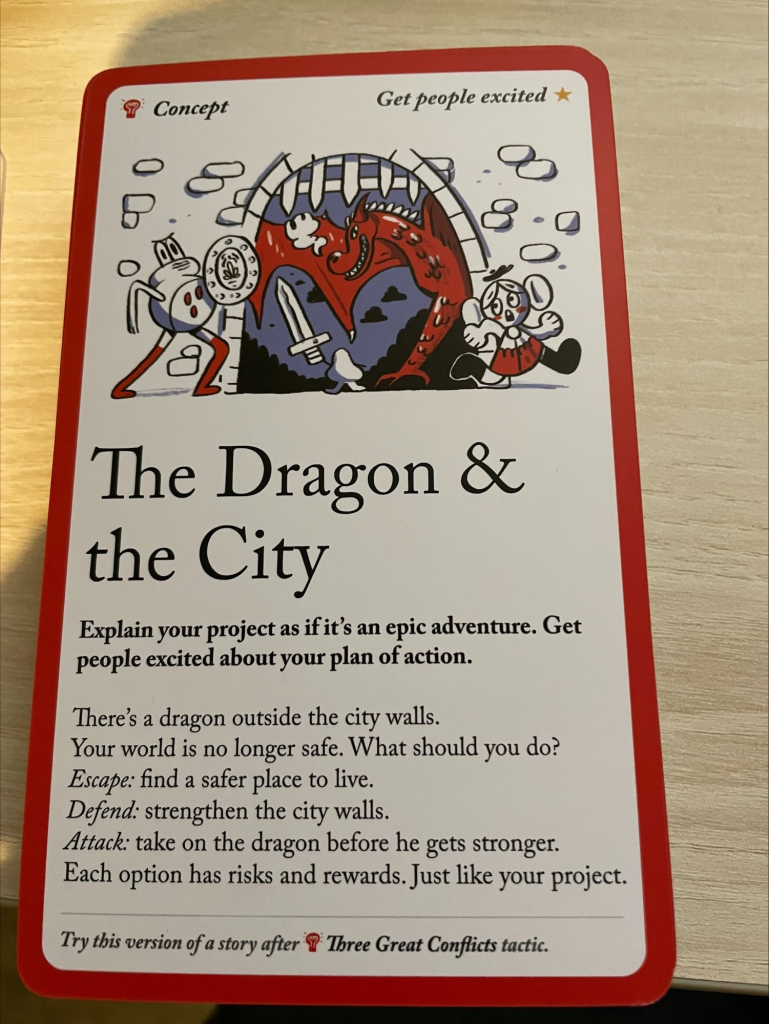
One other nice thing is that there are suggestions on how to interest people in your session, or translated for what we do, write session abstracts in Sessionize. If you’ve seen the session by Benni de Jagere on writing an abstract, you’ll recognise a lot but will also see a few new things.
There are plenty of other ways to get the same knowledge. As an example, Alexander Arvidsson has presented sessions on how to create your session. And there are more speakers out there who will happily help you along.
For me, the investment was worth it. If you want to have a look at the product, find me at an event; I’ll most likely have the deck with me or can show you the digital stuff.
Now, this isn’t your standard product review but more my opinions. I can only hope it will help you if you come across this product and are interested in it. If you have any questions, just let me know!
 Reitse's blog
Someone just suggested this to me, and I appreciate your review. I’m still thinking if I should purchase them as I am wanting to tell better stories on social media.
LikeLike
Go for it! They’re still helping me 🙂
LikeLike