
This is going to be a short blog post, as it serves to highlight a new setting found in SSMS 21.4.12.
Tell me more!
Well, if you go to the Tools menu in SSMS and click on Options, you will see, unsurprisingly, the options. Locate your Copilot option and click on the Azure OpenAI settings.
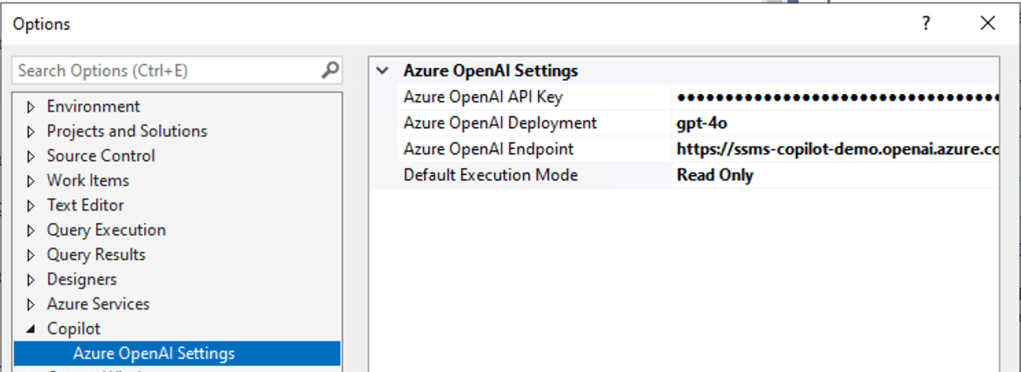
The setting I want to highlight here is the last one, Default execution mode. You can now choose whether Copilot is in read-only mode by default or read/write with approval.
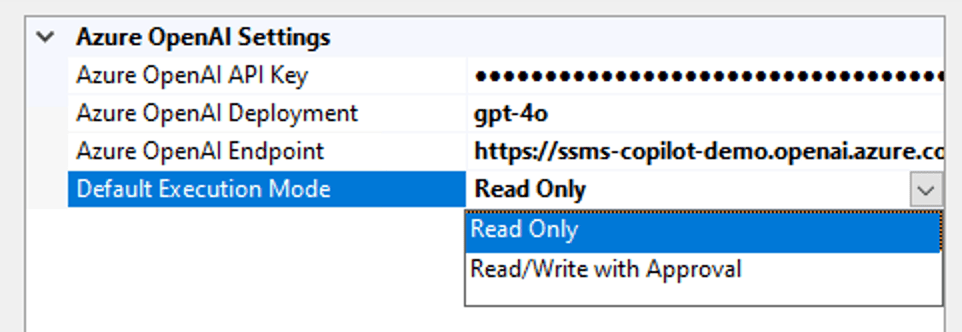
The second setting means that changes will not be applied until you’ve reviewed and approved the code.
Good or bad?
Well, it’s up to you to decide. I appreciate having a choice in the matter and not having to use the ‘flags’ to change the behaviour in the chat window.
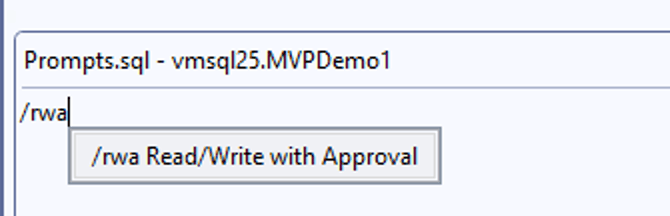
| Flag | Effect |
| /ro | Read-Only |
| /rw | Read-Write |
| /rwa | Read-Write with approval |
 Reitse's blog