

Welcome to another instalment in the DP-700 learn series. This time we’re going to talk about Apache Airflow settings. It’s a little bit of a misnomer in the header, maybe, but we have to follow the titles Microsoft offers in the official curriculum.
Now, before we dig into the fun techy stuff, let’s familiarise ourselves with what Apache Airflow is. I was hoping that it had something to do with air conditioning, but alas.
Apache Airflow
When you look at the website, the statement is short and clear.
According to the website, it’s scalable, dynamic, extensible and elegant. Which makes perfect sense when doing marketing. As the features, it lists that it’s pure Python, Open Source, Easy to use, with a useful UI and robust integrations. In other words, there’s no reason you wouldn’t want to use this. The thing is, I’ve never encountered this in the wild. This may have something to do with the pure-code approach, or simply that people are not familiar with it.
As this blog only covers configuring Apache Airflow in the Microsoft Fabric workspace, I won’t go into details on how this technology works, but I won’t stop you digging around for yourself!
Microsoft Fabric Workspace settings
To set this up in your workspace, there’s not much you need to go through.
Open your workspace, and go to the workspace settings. There, you can find the Airflow settings, hidden under the Data Factory tab. In all honesty, I would have chosen another name for this one, as it’s not very clear what lies beneath.
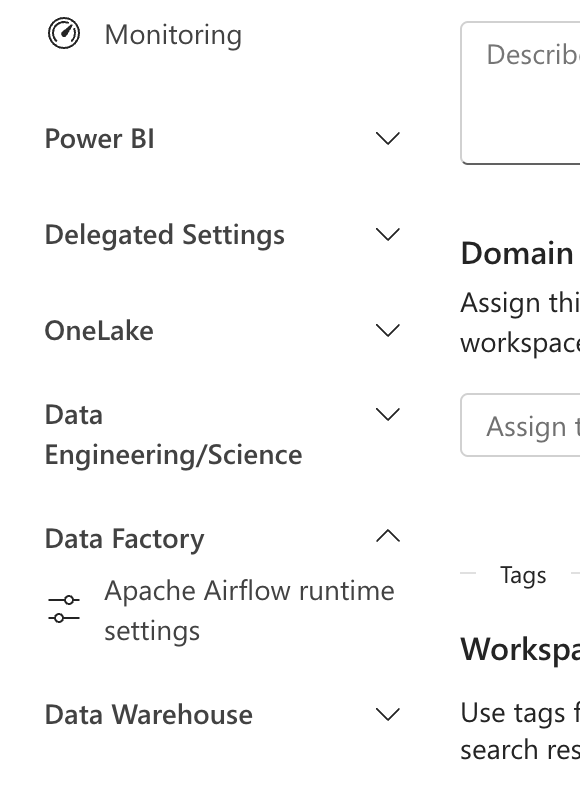
When you open the options, you’ll see the following:
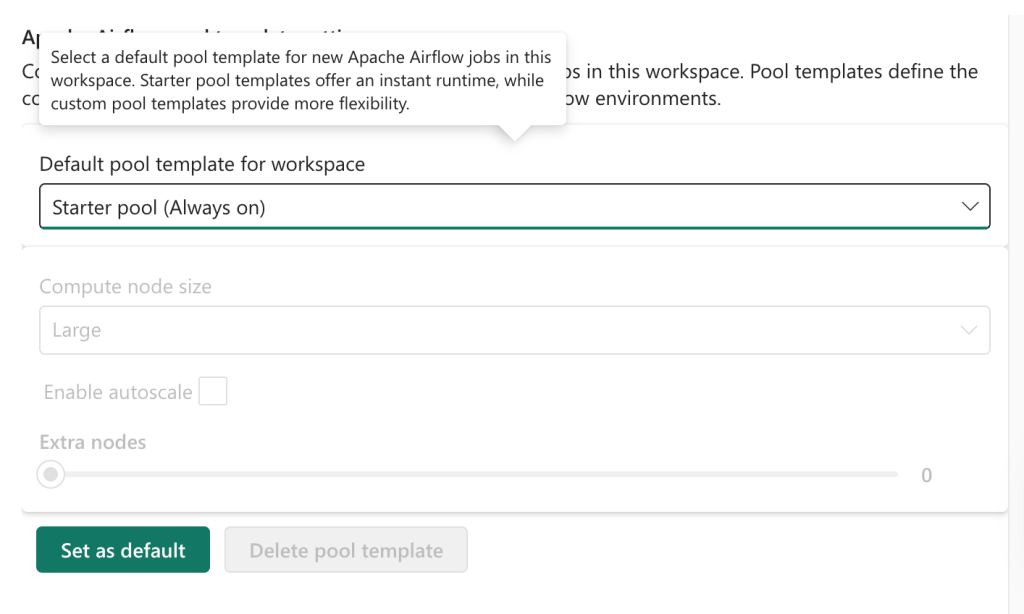
By default, it will offer the Starter pool (Auto-pausing). You can change this to always on, or create your own! How fun is this? Let’s see what happens when we click that option.
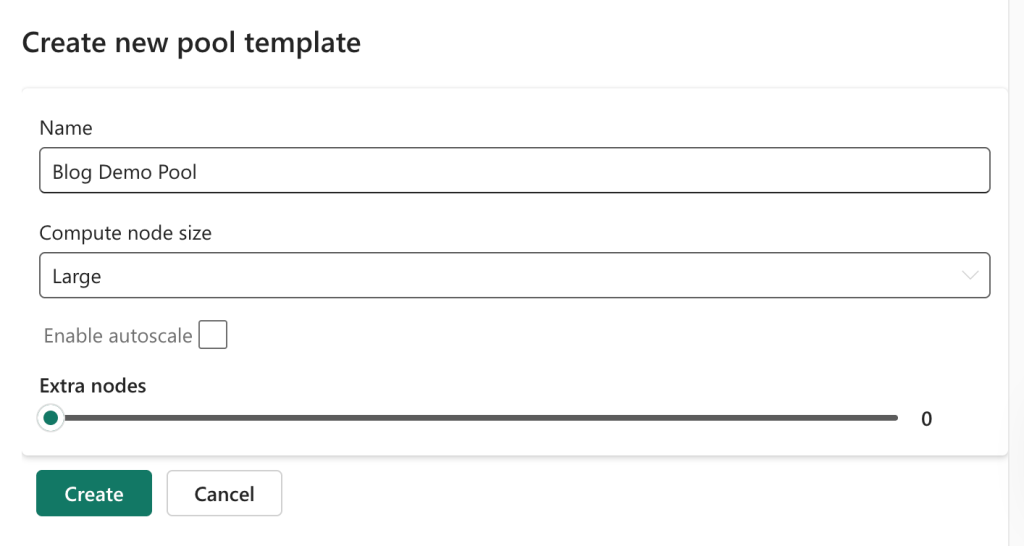
Now I can fiddle with some settings, the compute node sizes (small or large) and the number of extra nodes, 0 to 8. The advice is to select small for simple Directed Acyclic Graphs (DAGs), and large for the more complex and production ones.
Next, you click create, and you’re done.
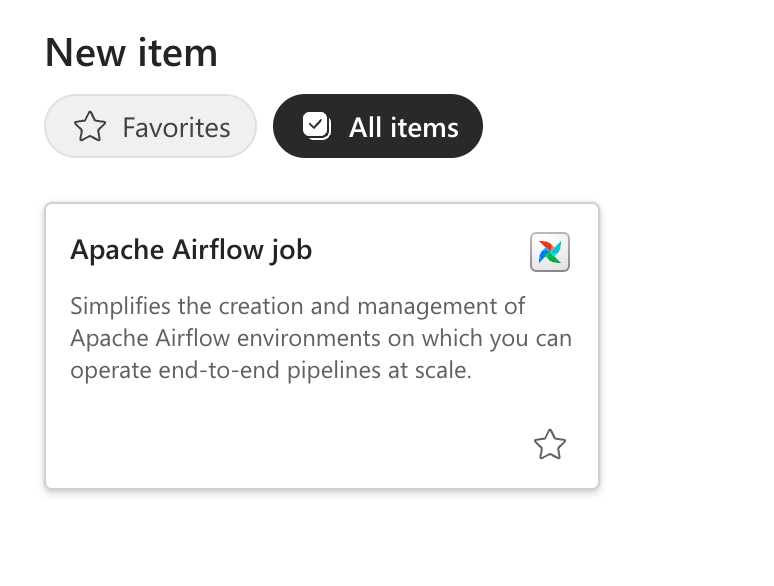
Create Apache Airflow job
The next logical step would be to create an Apache Airflow job in your environment.
If you choose to do so, you will encounter the following in the created item.
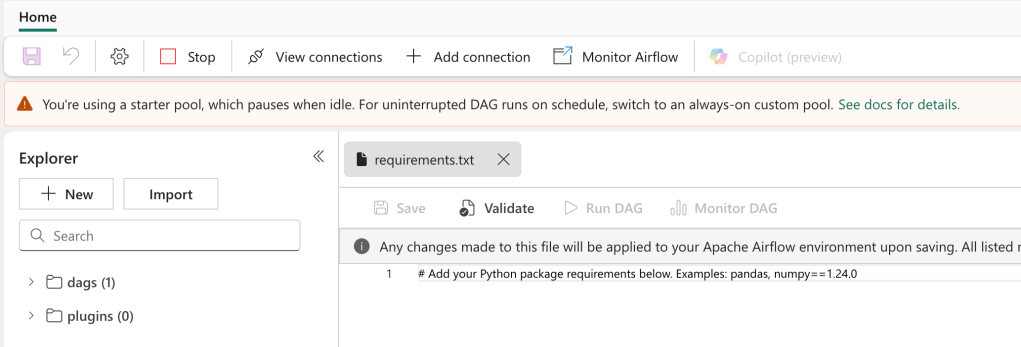
From this point on, it’s up to you how to work with it.
The video
As always, Valerie has created an accompanying video; check it out here!
 Reitse's blog
One thought on “DP-700 training: Configure Dataflow Gen2 workspace settings (Apache Airflow)”