
Let’s be honest: how many times have you accidentally deleted something? Either on your laptop, in a database or in a SaaS product.
It happens. We’re all humans (unless you allow agents to do all your work for you), and mistakes happen.
Until recently, when you deleted an item in Fabric, it was gone. Poof. Done. No grace period.
And that was a bit scary, to be honest, but now we have a new option to help us recover from oopsies!
Admin setting
What puzzles me is that this admin setting is disabled by default. There’s probably some reasoning behind it, but just like my laptop, where I have to use Shift-Delete to permanently delete something, a regular delete always ends up in a basket.
What you want to look for is this setting:
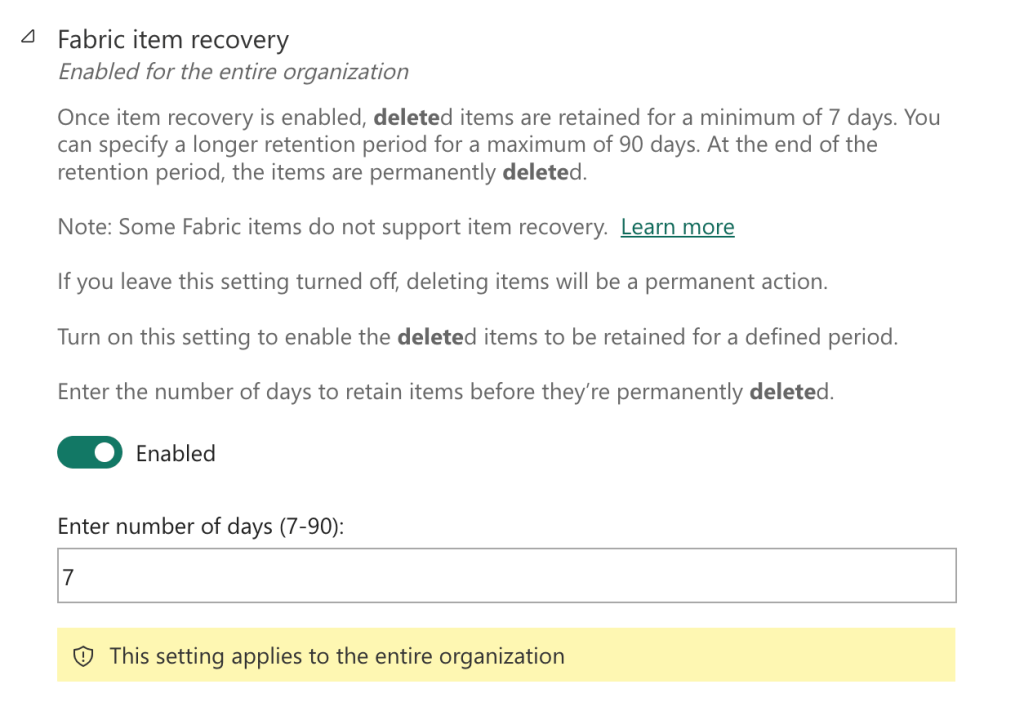
This will ensure you can recover items if they are supported. Check this link for an accurate overview of the supported items.
When enabled, you should see the Recycle bin option pop up in every workspace.

Show me!
Alright, no need to shout. Let’s give it a go.
In one of my trial workspaces, I’ve selected an item to delete.
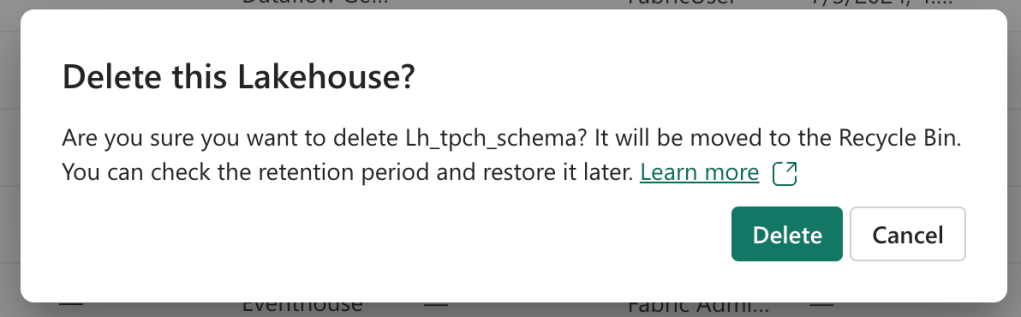
As you can see, after clicking Delete, I get a message confirming that the Lakehouse has been deleted.
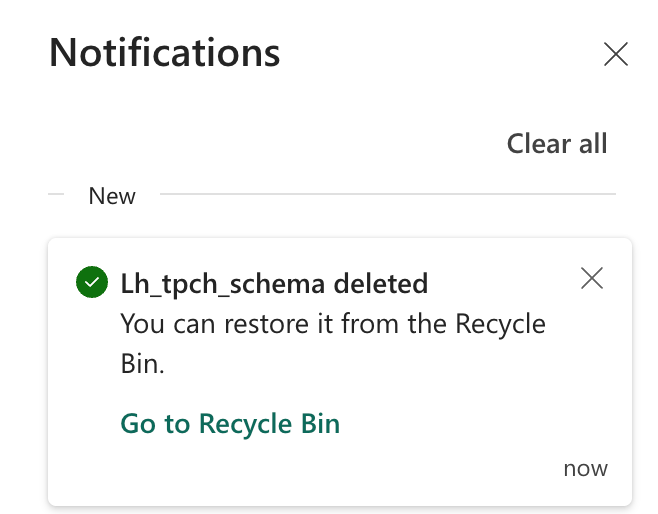
Also, it tells me I can recover it from the Recycle bin.
When I select the Recycle bin, I open a pane that says I’m in the Workspace recycle bin. It implies there might be another one too (maybe the Tenant recycle bin?), but sure.
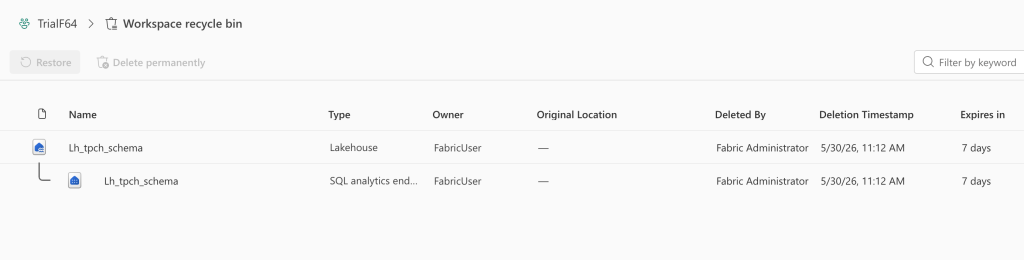
This tells me what has been deleted, who the owner is and who deleted it! The last one is excellent because, when in doubt, I know who to ask.
No shared accounts!
Also, this reiterates the point that you should NEVER, EVER, use shared accounts. Never! Please, don’t. Because when the Deleted By column tells you “Support Account 1”, who are you going to ask questions?
Undelete
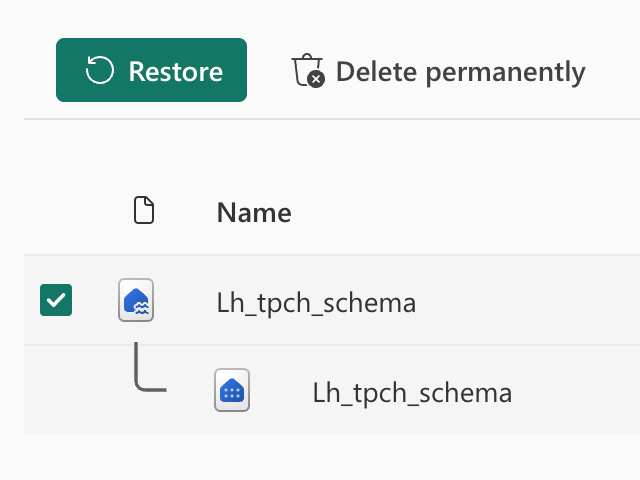
When I select my deleted item, I get two options: Restore or Delete permanently.
In this case, I’ve decided I made a little error, and I’m going to Restore it.
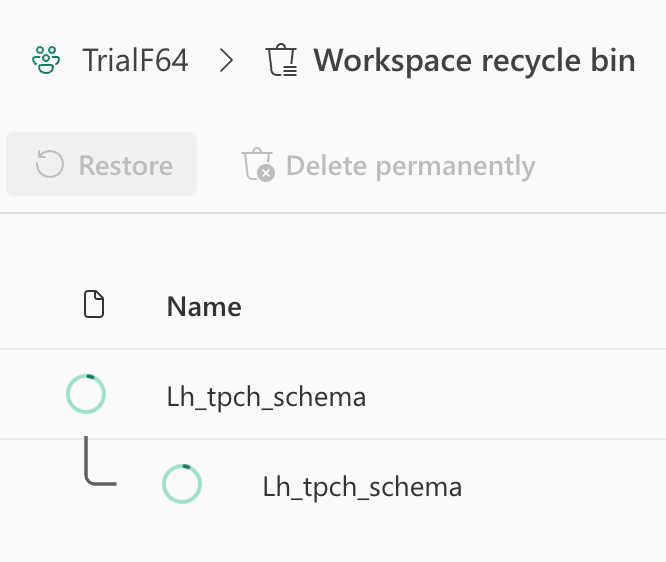
The delete was almost instant. The restore took some time. Which is fine; I made a mistake, so I need to wait for it to be fixed. Whilst waiting, you can enjoy a set of spinners.
And before you know it, the Lakehouse is back.
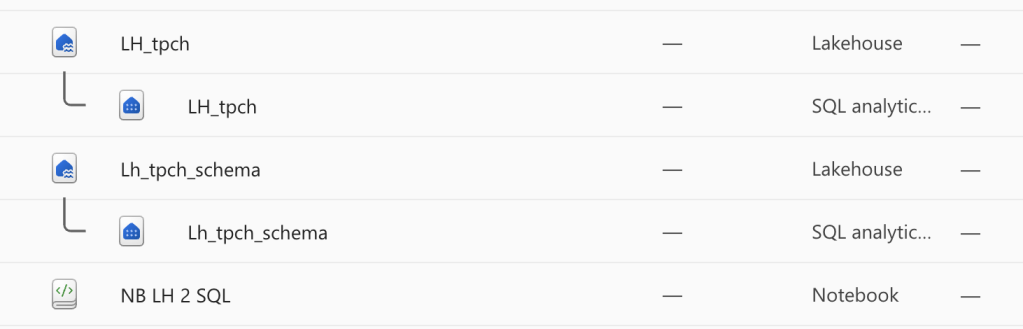
And that’s all there is to it. Great job. Just make sure your retention period is set to whatever the business rules are, and be aware that when this grace period has expired, you can’t undelete anymore.
Permissions
So, can anyone do this? As long as you’re a workspace Admin, Member, or Contributor, then yes, you can!
Thanks for reading!
 Reitse's blog